jrabbit
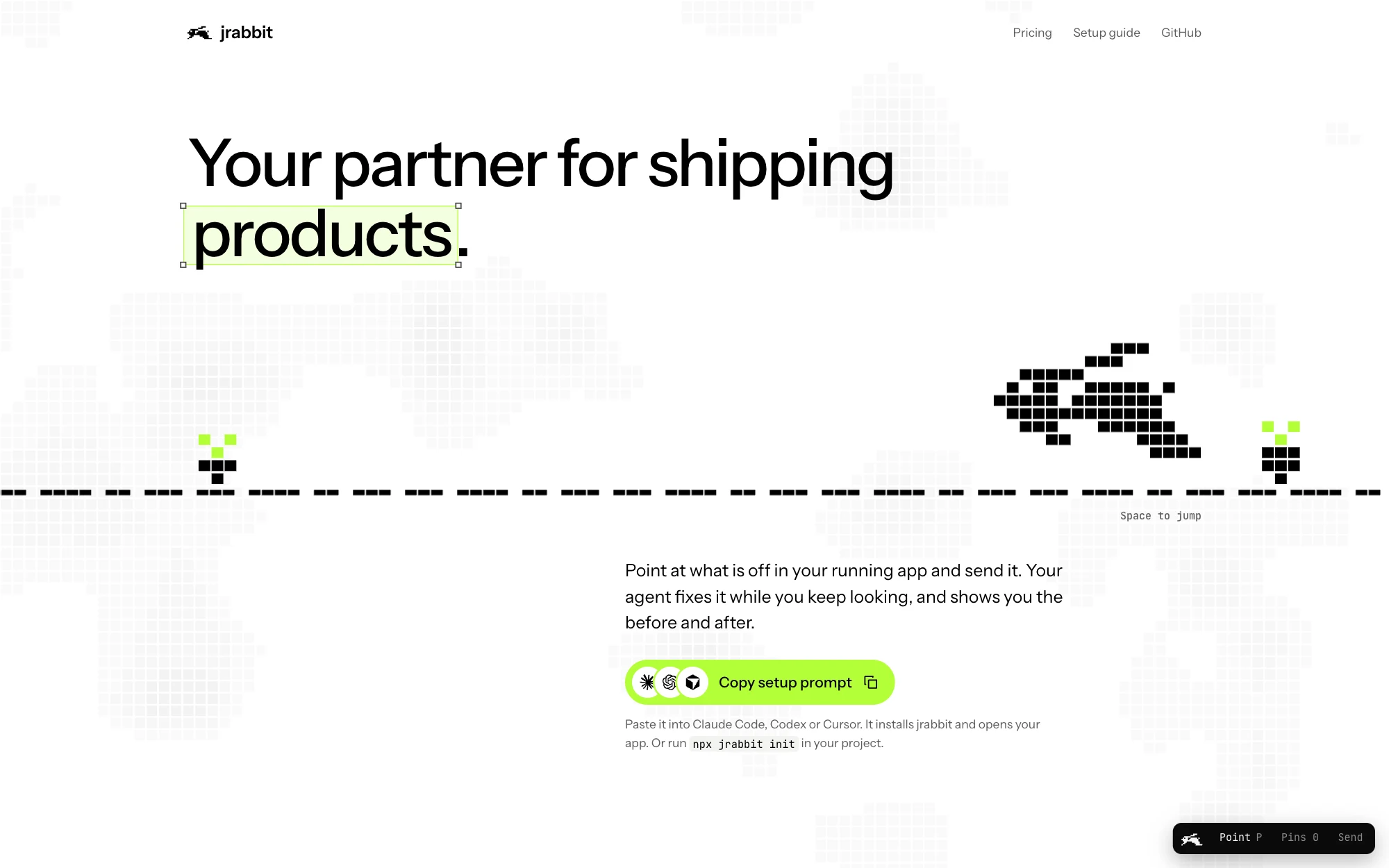
A review layer for people who ship with coding agents. Point at what is off in your running app, and your agent fixes it and shows you the before and after.
- Role
- Founder + Design Engineer
- Year
- 2026
- Type
- Dev tool, open source
01 The problem
Shipping an interface is a hundred small corrections.
Each one costs you a screenshot, a paste and a paragraph about which button you mean. Then you watch the terminal to see if the agent understood.
02 How it works
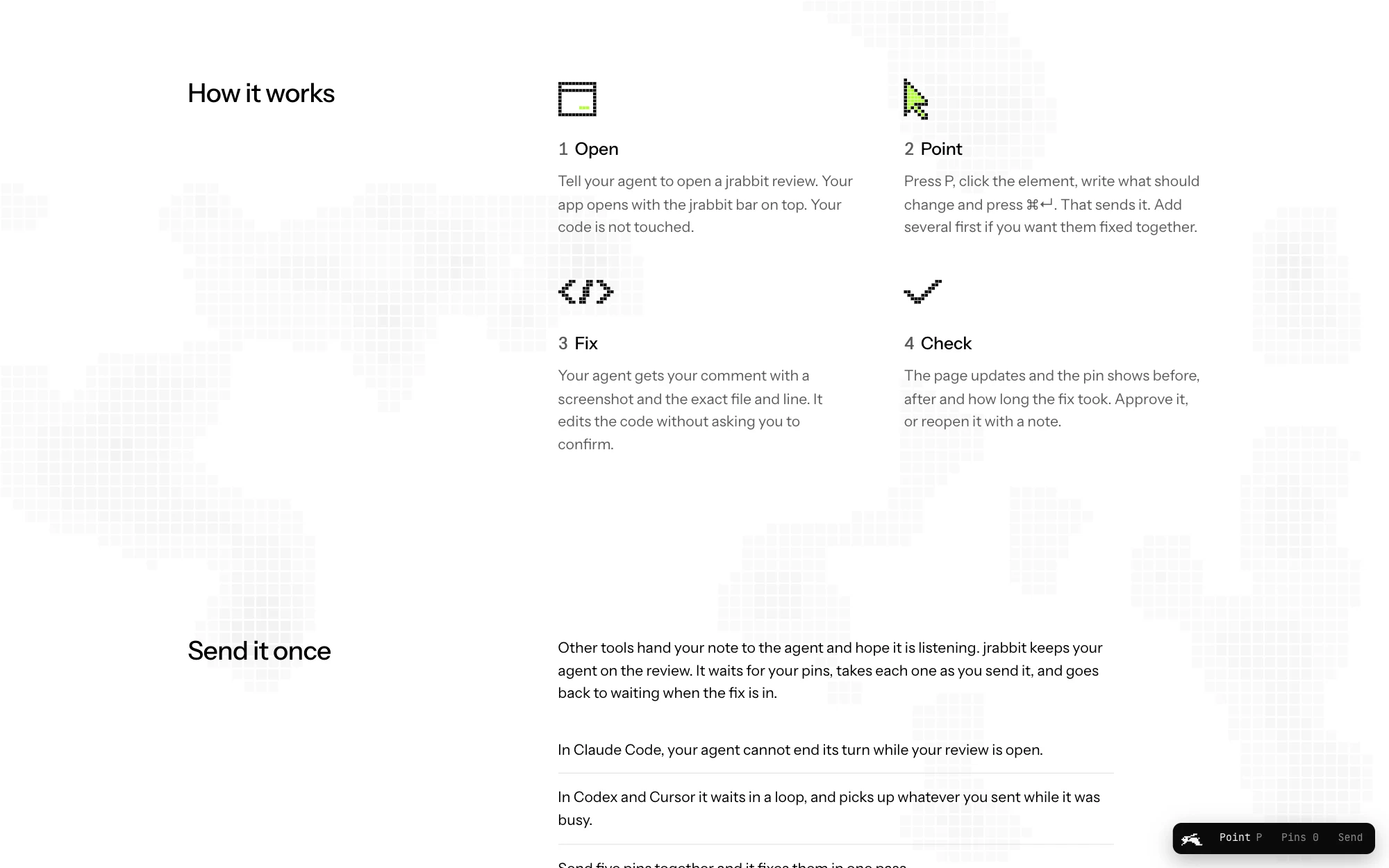
You point, write one line and send.
01Open
Tell your agent to open a jrabbit review. Your app opens with the jrabbit bar on top. Your code is not touched.
02Point
Press P, click the element, write what should change and press ⌘↵. That sends it.
03Fix
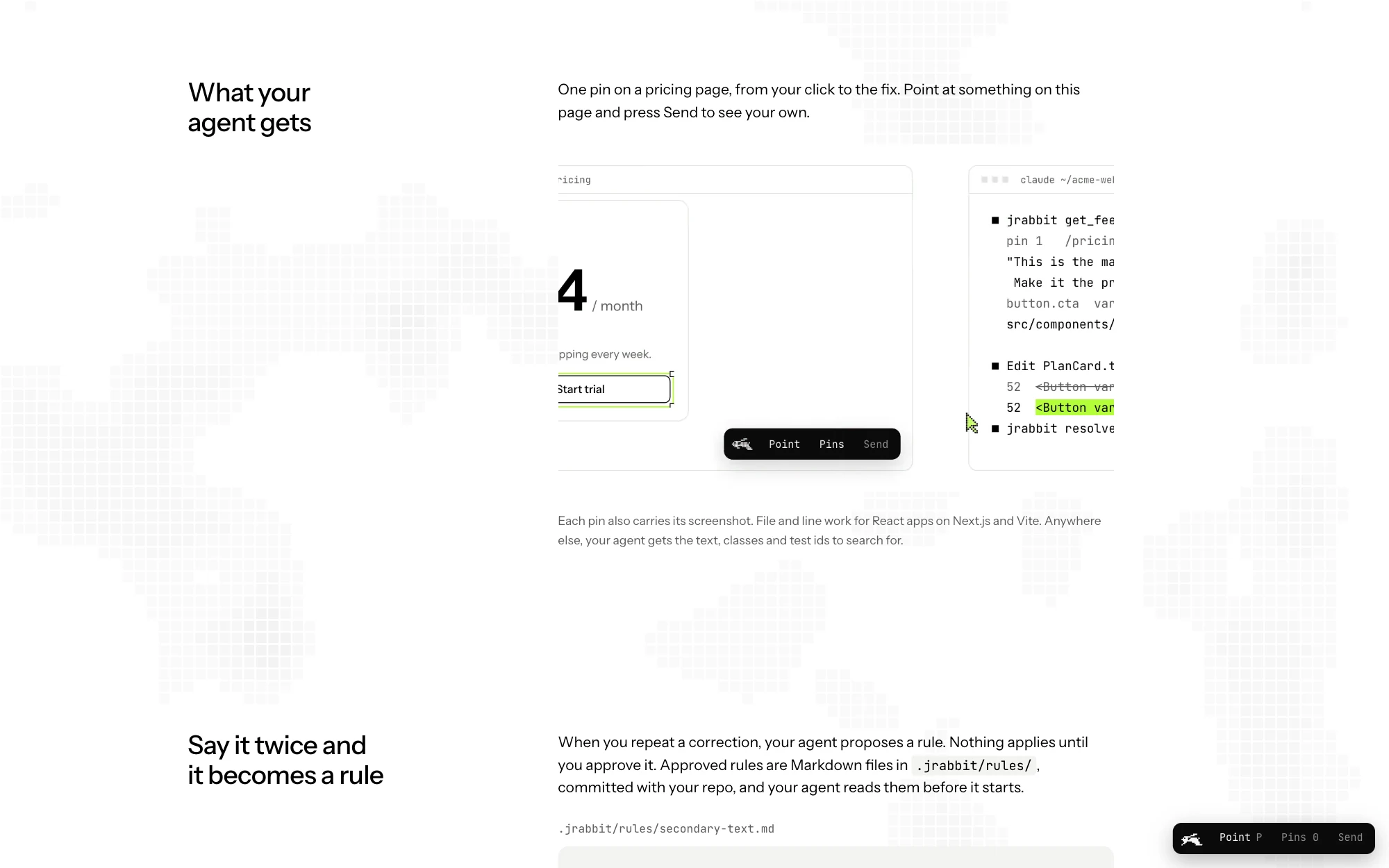
Your agent gets your comment with a screenshot and the exact file and line. It edits the code without asking you to confirm.
04Check
The page updates and the pin shows before, after and how long the fix took. Approve it, or reopen it with a note.
03 Rules
Say it twice and it becomes a rule.
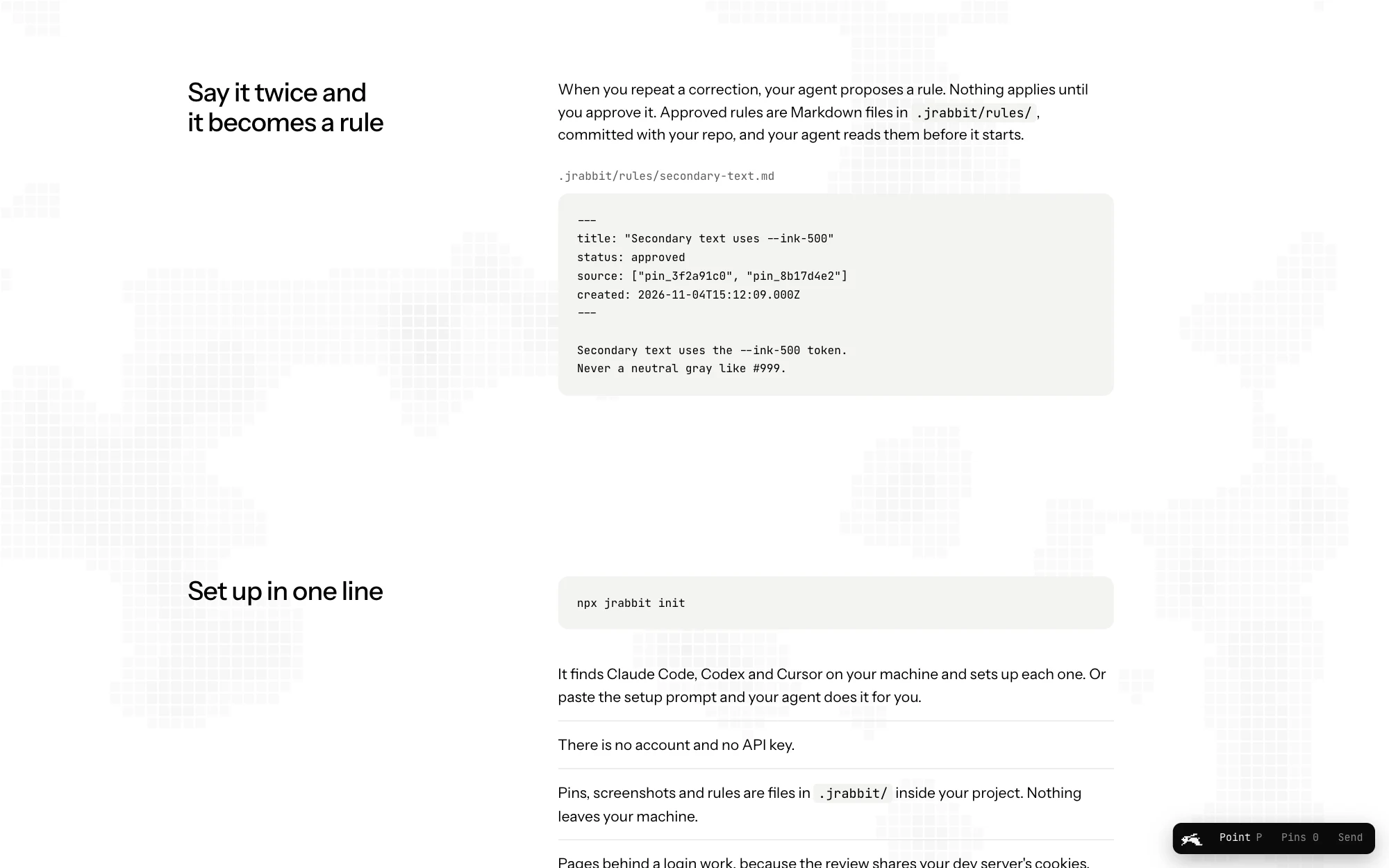
When you repeat a correction, your agent proposes a rule. Nothing applies until you approve it. Approved rules are Markdown files in .jrabbit/rules/, committed with your repo, and your agent reads them before it starts.
---title: Secondary text uses --ink-500status: proposedapprovedsource: ["pin_3f2a91c0", "pin_8b17d4e2"]created: 2026-11-04T15:12:09.000Z---Secondary text uses the --ink-500 token. Never a neutral gray like #999.
04 jrabbit.dev
Visit ↗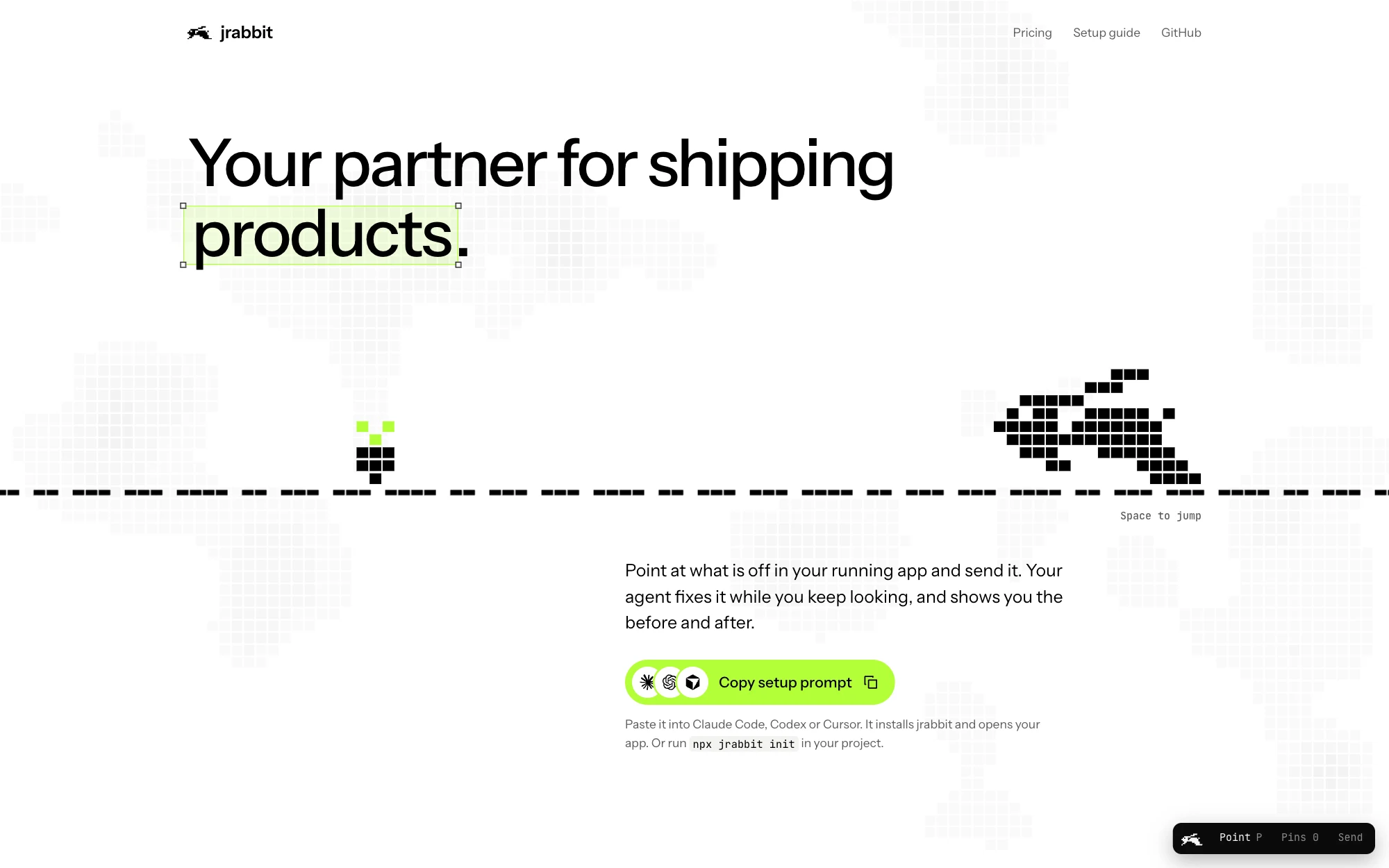

05 Try it
Point at the first thing you would fix.
Space to jump